ChronicleFresh builds section appears on Forever home screen
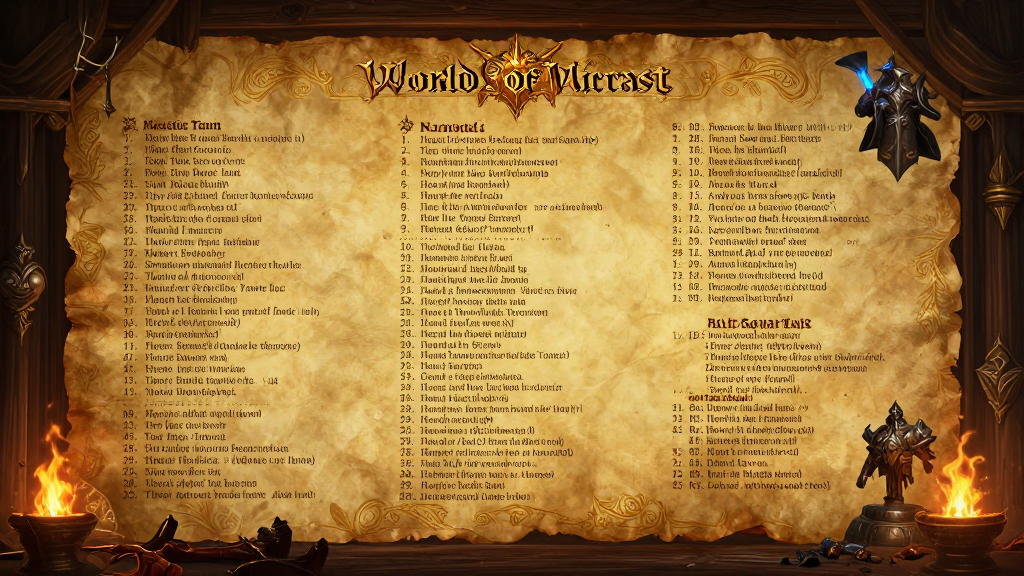
Fresh builds section appears on Forever home screen
25.09.2026Blizzard added a section to the game's home page that, for ten days after a new build goes live, shows its key changes and links to the full list — so players can quickly see what's changed.
Blizzard refreshed the home screen of World of Warcraft: Forever: now, when a new build goes live, a card with the main changes appears there. It stays on the page for ten days and links to the full list of every change.
Before, to find out about a new build, you had to look for patch notes in third-party sources or check the test servers blind. Now the game itself surfaces what's changed and doesn't let it slip out of view too quickly.
How it works
- After each new build, a card with its main changes appears on the home page.
- The card stays for ten days from the build's release.
- Below the card is a link to the full list of changes in the current version.
- The section updates automatically: when the next build goes live, the ten-day window starts over.
In practice
- Logged in after a patch — check the card on the home: it gathers the changes that affect gameplay the most.
- The full list of changes opens in one click — handy for cross-checking against the patch notes when there are a lot of edits.
- If you log in less often than once every ten days, the card may already be gone by your next visit: in that case, look for the full list of changes directly.