ChronicleRussian Quest Voiceover in Forever: The WowVoice TalkingHead Fan Addon
Russian Quest Voiceover in Forever: The WowVoice TalkingHead Fan Addon
28.09.2026A fan addon called WowVoice TalkingHead has launched for the WoW: Forever beta — it reads out more than 4,900 quests in Russian and shows the quest giver's portrait in the style of modern WoW.
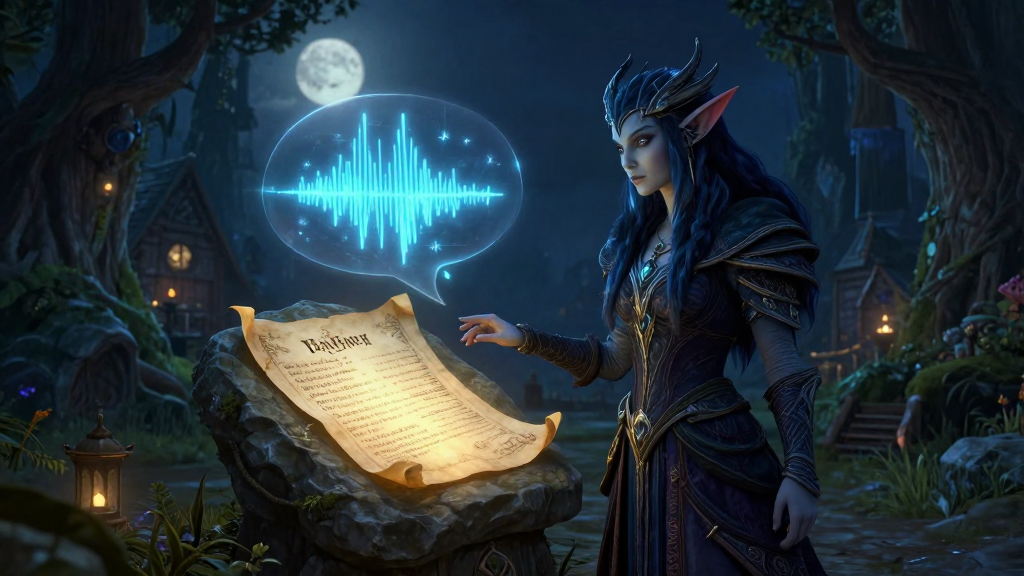
A fan addon called WowVoice TalkingHead has launched for the World of Warcraft: Forever beta — it voice-acts more than 4,900 quests in Russian and brings up a 'talking head' panel on screen with the speaker's portrait, just like in Retail. The developer built it on top of the WowVoice project and added recordings from Cathey, the author of the CatQuest addon.
What it does
- 4,900+ voice-acted quests. The collection includes both classic storylines and a selection of new Forever quests. The set of lines depends on the specific quest — not every stage and not every line is voiced.
- Retail-style panel. Portrait, name, and line text appear in the TalkingHead window, just like in modern WoW. The panel's position and scale can be adjusted from 50% to 150%.
- Replay descriptions. A ▶ button in the standard quest log, in the quest list, and in the Questie tracker plays the voice line without returning to the quest giver.
- Flexible auto-play. Voice for accepting and turning in quests can be toggled independently or triggered manually.
- Reminder for unheard quests. The button lights up if you haven't listened to that quest's description yet.
- Voices made with a neural network. Classic quests were recorded by the WowVoice project, while some of the new ones were done by Cathey, the author of CatQuest.
How to install
1. Download the full archive — its name does not contain 'addon-only', it's about 650 MB, and the sounds are already inside. 2. Close the game and copy three folders from the archive —
WowVoiceTalkingHead, WowVoiceSounds, and CatVoices — into the
_classic_beta_\Interface\AddOns\ directory in the game folder. 3. Launch the client, enable the addon in the addons list on the character select screen, and pick up any quest from an NPC.
The addon updates via the addon-only archive (a few megabytes): just replace the WowVoiceTalkingHead
folder and type /reload. If the update changes the sound library, you'll need the full archive and a game restart.
Settings and commands
/thead— open settings (same as Options → Addons → WowVoice TalkingHead)./thead help— command help./thead onand/thead off— enable and disable voice.- Stop the line with the X button on the panel.
The addon works with the standard quest tracker, including the EllesmereUI skin, and with the Questie tracker. If CatQuest is installed alongside it, WowVoice TalkingHead takes over quest reading, while CatQuest keeps handling books and lore locations.
In practice
-
You'd rather listen than read. It takes five minutes to install: download the full archive, copy three folders,
/reload— and the quest description plays in a voice, with the NPC portrait appearing in the panel. - You don't want the game talking on its own. Turn off auto-play in settings, and for the quest you want, hit ▶ in the log — the line plays once.
- You have CatQuest. The addons don't conflict: WowVoice TalkingHead reads quests, CatQuest reads books and lore.
- Sound after launch. The build is designed for the current beta; after the global launch the client folder and game version may change — keep an eye on the addon's GitHub for updates.
- Support the authors. WowVoice and Cathey have their own pages — you can support their voice work there.